👉What are MySQL Views?
MySQL Views: A MySQL View is a virtual table that does not store data but presents data from other tables using an SQL query. Views simplify database queries, improve security, and enhance data reusability.
🔹 Views can retrieve data from one or multiple tables.
🔹 They help restrict access to sensitive data.
🔹 They simplify complex queries, making databases easier to manage.
👉MySQL View Syntax
MySQL Views: The basic syntax for creating a MySQL View is:
sql
CREATE VIEW view_name AS
SELECT column1, column2 FROM table_name;
🔹 CREATE VIEW view_name – Creates a view named view_name.
🔹 AS SELECT … – Defines the query that the view will return.
👉How to Create a View in MySQL
Step 1: Create a View from a Table
Let’s say we have a members table, but we want to restrict access so the accounts department can only see membership number, full names, and gender.
SQL Query:
sql
CREATE VIEW accounts_v_members AS
SELECT membership_number, full_names, gender FROM members;
Now, users querying accounts_v_members will see only the specified columns.
Step 2: Retrieve Data from a View
To retrieve data from the created view, use:
sql
SELECT * FROM accounts_v_members;
🔹 Output:
| membership_number | full_names | gender |
| 1 | Janet Jones | Female |
| 2 | Janet Smith Jones | Female |
| 3 | Robert Phil | Male |
👉Advanced MySQL Views with Joins
You can create a view using JOINs to combine data from multiple tables.
Example:
We have three tables: members, movies, and movie_rentals.
To create a view that retrieves member details along with rented movie information, use:
sql
CREATE VIEW general_v_movie_rentals AS
SELECT mb.membership_number, mb.full_names, mo.title,
mr.transaction_date, mr.return_date
FROM movierentals AS mr
INNER JOIN members AS mb ON mr.membership_number = mb.membership_number
INNER JOIN movies AS mo ON mr.movie_id = mo.movie_id;
👉Retrieving Data from the View
sql
SELECT * FROM general_v_movie_rentals;
🔹 Output:
| membership_number | full_names | title | transaction_date | return_date |
| 1 | Janet Jones | Pirates of the Caribbean 4 | 20-06-2012 | 28-06-2012 |
| 3 | Robert Phil | X-Men | 23-06-2012 | 28-06-2012 |
✅ Now, users don’t need to write complex JOIN queries every time—they can simply use the view!
👉Modifying and Managing Views
View an Existing View’s SQL Query
To check the SQL statement used to create a view, run:
sql
SHOW CREATE VIEW accounts_v_members;
Dropping (Deleting) a View
If a view is no longer needed, delete it using:
sql
DROP VIEW general_v_movie_rentals;
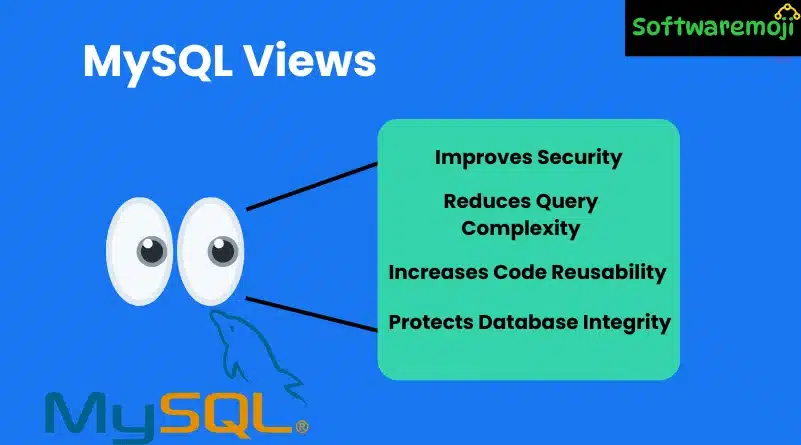
👉Why Use MySQL Views?
✅ 1. Improves Security
- Views allow restricted access to sensitive data by showing only selected columns.
✅ 2. Reduces Query Complexity
- Instead of writing complex JOINs repeatedly, use views to simplify queries.
✅ 3. Increases Code Reusability
- Applications can call views instead of raw tables, making code more readable and maintainable.
✅ 4. Protects Database Integrity
- If the database schema changes, applications using views don’t break since the structure is abstracted.
👉Limitations of MySQL Views
⚠ Views do not store data – They only present data from underlying tables.
⚠ Cannot use ORDER BY – Unless used in a SELECT query on the view.
⚠ Not all views support INSERT, UPDATE, DELETE – If a view references multiple tables, updates might not work.
👉Conclusion
MySQL Views provide a powerful way to simplify queries, improve security, and enhance data management. By using views, developers can create flexible, reusable, and secure database queries.
🔹 Use views to make your SQL queries cleaner and more efficient!
Let me know if you need any modifications!